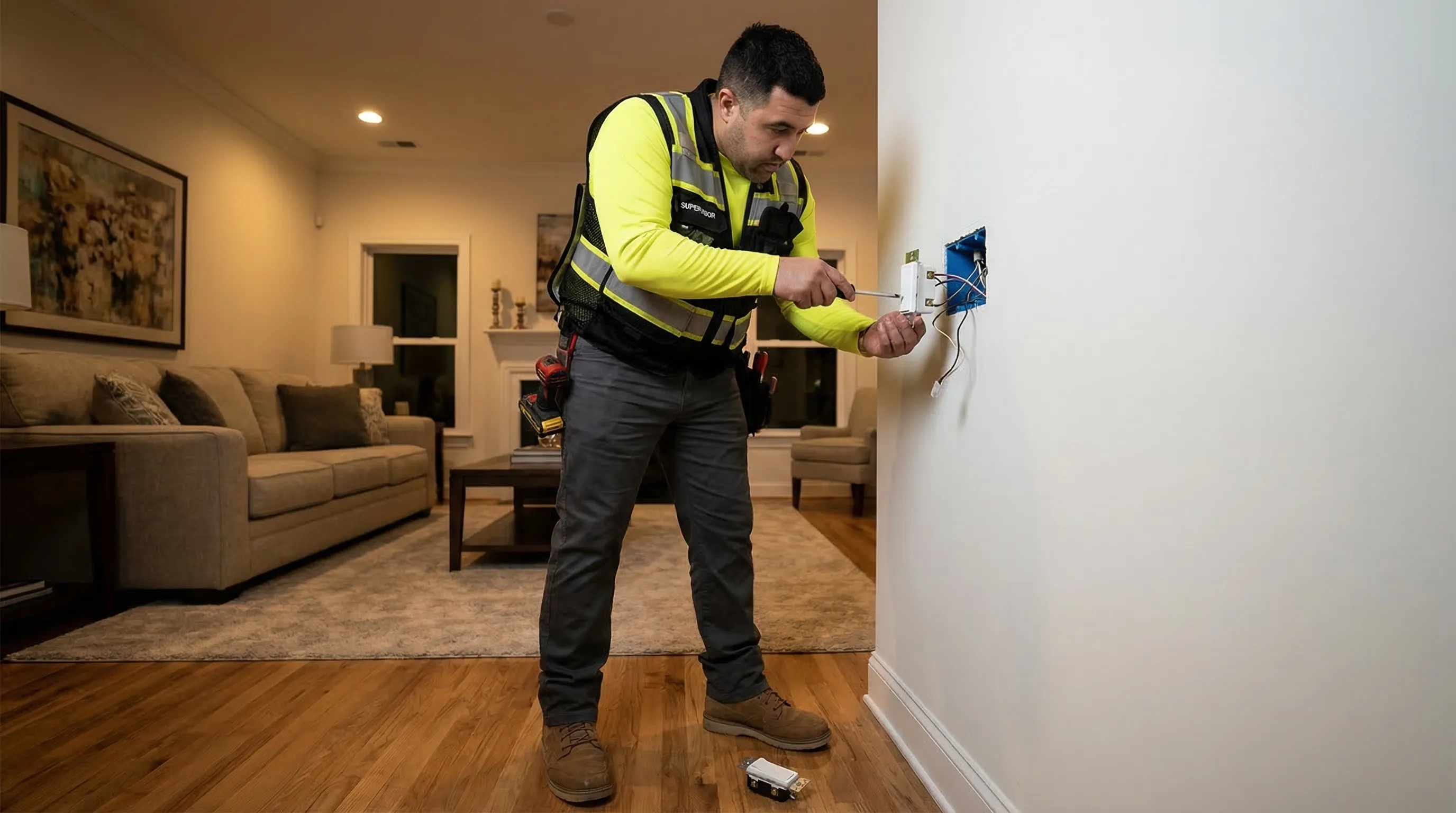
Smart switches sound simple — replace the old toggle switch with a Wi-Fi connected one, tap an app, and control your lights from anywhere. In practice, the installation has a few wrinkles that trip up homeowners and even some general contractors. Neutral wire requirements, dimmer-LED compatibility, multi-way switch wiring, and Wi-Fi signal strength all affect whether a smart switch installation goes smoothly or turns into a frustrating troubleshooting exercise.
This guide covers what you actually need to know before buying smart switches and dimmers, how the installation works, and where an electrician saves you time, money, and headaches.
The Neutral Wire Problem
The single biggest issue with smart switch installation in existing homes is the neutral wire. Most smart switches need four wires in the switch box: hot (black), load (black or red), neutral (white), and ground (green or bare copper). Traditional switches only use hot, load, and ground — they do not need a neutral because they do not draw any power themselves. They just complete or break the circuit to the light fixture.
Smart switches are different. The Wi-Fi radio, processor, and LED indicator inside the switch need a small amount of constant power to operate even when the light is off. That power comes through the neutral wire. Without it, the switch has no return path for its standby current.
Does Your Home Have Neutral Wires?
- Homes built after 1985: Very likely. NEC started requiring neutral wires in switch boxes around this time, and most Atlanta-area builders complied.
- Homes built 1960-1985: Maybe. Some electricians ran neutrals as a matter of practice, others did not. The only way to know is to open the switch box and look.
- Homes built before 1960: Unlikely. Older Atlanta neighborhoods like Virginia-Highland, Grant Park, and Inman Park typically have switch boxes without neutrals. Read our smart home wiring guide for a deeper look at upgrading older wiring for modern devices.
Options for Homes Without Neutral Wires
Lutron Caseta: Uses a proprietary wireless bridge instead of Wi-Fi, so the switches draw less power and do not need a neutral wire. Caseta is my top recommendation for older Atlanta homes. The bridge connects to your router, and the switches communicate with it over Lutron's Clear Connect RF protocol. It integrates with Apple HomeKit, Google Home, and Amazon Alexa.
Run a neutral wire: If you want Wi-Fi-based switches (TP-Link Kasa, Leviton Decora Smart, GE Cync), an electrician can pull a neutral wire from the fixture box back to the switch box. This is straightforward when the attic or crawl space is accessible, but it can be more involved if the wire run goes through finished walls.
Smart Dimmer Switches: Compatibility Matters
Smart dimmers add dimming control to the smart switch functionality — adjust brightness from 1-100% via app, voice, or the physical switch. But dimmer-LED compatibility is not universal, and mismatches cause problems.
Common Dimmer-LED Issues
- Flickering: The LED flickers at low brightness levels because the dimmer's minimum output is too high for the LED driver's input range. This happens most often with older-style leading-edge (TRIAC) dimmers paired with modern LEDs.
- Buzzing: The dimmer or the bulb emits an audible buzz. This is caused by electromagnetic interference between the dimmer's switching frequency and the LED driver.
- Limited dimming range: The light only dims to 30-40% before shutting off, instead of dimming smoothly down to 5-10%. This happens when the dimmer's minimum load requirement is higher than what the LEDs draw.
- Ghost lighting: The LED glows faintly even when the dimmer is "off." A small leakage current through the dimmer keeps the LED driver partially powered.
How to Avoid These Issues
Use dimmers specifically rated for LED loads. Check the manufacturer's compatibility list — Lutron, Leviton, and TP-Link all publish lists of tested-and-approved LED bulbs for each dimmer model. If you are installing recessed lighting with dimmable LED retrofit kits, buy the dimmers and bulbs from the same manufacturer or use a tested combination from the compatibility list. Do not mix random dimmers with random LEDs and expect smooth results.
Pro Tip
Before buying smart switches, open your switch box and look for a white (neutral) wire. Most Wi-Fi smart switches require a neutral. If your home was built before 1985 and the switch box has no neutral, go with Lutron Caseta — it is the most reliable smart switch system that works without a neutral wire.
Single-Pole vs. Multi-Way Installations
A single-pole switch controls a light from one location. A 3-way switch controls a light from two locations (like the top and bottom of a staircase). A 4-way switch adds a third control point. Smart switches handle all three configurations, but the wiring and companion switch requirements differ.
Single-Pole
The simplest installation. Remove the old switch, connect the smart switch's wires to the existing hot, load, neutral (if present), and ground. Takes about 15 minutes per switch.
3-Way and 4-Way
This is where it gets complicated. In a traditional 3-way circuit, two switches use a pair of "traveler" wires to communicate which switch is in what position. Smart switches handle 3-way circuits differently depending on the brand:
- Lutron Caseta: Replace the main switch with the smart dimmer and replace the companion switch with a Lutron Pico remote (a battery-powered remote that mounts in the existing switch box). No traveler wires needed.
- Leviton Decora Smart: Use a Leviton smart switch at one end and a Leviton matching dimmer remote at the other. The existing traveler wires are repurposed.
- TP-Link Kasa: Requires a Kasa 3-way kit. The main switch goes in the box with the load wire, and a companion switch goes in the other box.
Getting the wiring right on a 3-way smart switch installation requires understanding which box has the line (power in) and which has the load (wire to fixture). Mixing them up means the switch will not work. This is the number one reason I get called to fix DIY smart switch installations in Atlanta.
Free Download: Seasonal Electrical Maintenance Checklist
Keep your home's electrical system safe year-round with our printable seasonal checklist — built by a master electrician.
Get the Free ChecklistBrand Comparison for Atlanta Homeowners
Lutron Caseta
Best for: Older homes without neutral wires, households wanting rock-solid reliability. Uses a proprietary bridge ($60-$80). Switches run $50-$65 each. Range: 30 feet through walls from bridge. Integrations: HomeKit, Google, Alexa, SmartThings. My top recommendation for reliability and compatibility. Downside: requires the bridge, which adds cost for a small installation.
Leviton Decora Smart
Best for: New construction and homes with neutral wires. Wi-Fi based — no hub needed. Switches run $30-$50 each. Good dimming performance. Integrations: Alexa, Google, Apple Home (via Matter on newer models). Requires neutral wire.
TP-Link Kasa
Best for: Budget-conscious homeowners with neutral wires and strong Wi-Fi. Switches run $15-$30 each. Wi-Fi based — no hub. Integrations: Alexa, Google. Dimming performance is adequate but not as smooth as Lutron. Requires neutral wire.
When to Call an Electrician
Replacing a single-pole switch in a box with a neutral wire is a reasonable DIY project for a handy homeowner who is comfortable working with wiring. But call a licensed electrician for any of these situations:
- Your switch box does not have a neutral wire and you need one pulled
- You are replacing 3-way or 4-way switches
- You want to install dimmers on a circuit that is shared with another load (like an outlet)
- Your home has aluminum wiring (requires special connectors and techniques)
- You are doing a whole-home smart switch rollout (10+ switches)
- You tried a DIY install and the switch does not work correctly
Pro Tip
The smart switch brands have gotten much better at making installation user-friendly, but the wiring in your walls does not follow the instruction manual. In Atlanta's older homes especially, I regularly find switch boxes with wiring that does not match any standard diagram — previous homeowners or unlicensed handymen created non-standard configurations that require an electrician to sort out before a smart switch will work properly.
Frequently Asked Questions
Most smart switches require a neutral wire to operate. The neutral provides the return path for the small amount of current the switch draws to power its Wi-Fi radio and processor. Homes built before the mid-1980s often lack neutral wires in switch boxes. Some brands like Lutron Caseta work without a neutral wire using a proprietary bridge. If you are unsure whether your switch boxes have neutral wires, a licensed electrician can check during a smart home wiring assessment.
Not all LED bulbs are compatible with all dimmers. You need LED bulbs labeled as dimmable, and the dimmer switch must be rated for LED loads. Using a non-dimmable LED with a dimmer causes flickering, buzzing, and premature bulb failure. Check the dimmer manufacturer's compatibility list before purchasing.
For a typical Atlanta home with 15-25 switches, expect to spend $1,200-$3,000 total including switches and installation. Individual smart switch installation runs $80-$150 per switch (device plus labor). Whole-home installations by a licensed electrician are more cost-effective per switch because of reduced trip charges and bulk pricing on materials. Read more in our energy efficiency guide.
Need Help with Smart Switch Installation?
From neutral wire checks to whole-home smart switch rollouts, we handle the wiring so your smart home works from day one.
Schedule Smart Switch Installation